How Hackers Steal Credit Card Information: Credit card fraud is one of the most common forms of cybercrime. Every day, criminals attempt to obtain card numbers, expiration dates, security codes and other financial information through a combination of technology, deception and social engineering.
WANT TO HACK CREDIT CARD AND WITHDRAW FUNDS WITHOUT AUTHORISATION? CLICK HERE!
Understanding how these attacks work can help consumers and businesses recognize warning signs and protect sensitive financial information.
This article explains the most common ways hackers and fraudsters obtain credit card information, how the attacks typically happen and what you can do to stay protected.
What Is Credit/Debit Card Theft?
Credit card theft occurs when someone obtains or uses another person’s card information without permission. Criminals do not always need to physically steal a card. In many cases, they only need access to information associated with the card.
This can include the card number, expiration date, security code, account credentials or personal information used to verify the account.
Once criminals obtain this information, they may attempt unauthorized purchases, account takeovers or other forms of financial fraud.
1. Phishing
Phishing is one of the most common ways criminals attempt to steal financial information.
A victim may receive an email, text message or social media message that appears to come from a bank, payment company, online store or another trusted organization.
The message often claims that there is a problem with the person’s account. It may say that a payment failed, suspicious activity was detected or the account needs to be verified.
The victim is then directed to a fraudulent website that looks similar to a legitimate website. If the victim enters their financial information, the criminals may receive it.
How to recognize phishing
Be suspicious of unexpected messages asking for financial information.
Check the website address carefully before entering account details.
Avoid clicking links in unexpected banking or payment messages.
Contact the organization through its official website or telephone number if you are unsure about a message.
2. Fake Shopping Websites
Fraudsters sometimes create websites designed to look like legitimate online stores.
The websites may advertise expensive products at unusually low prices. When customers attempt to make a purchase, they are asked to provide payment information.
Instead of processing a legitimate transaction, the criminals may capture the information entered by the customer.
Fake shopping websites can be particularly convincing because criminals can copy familiar layouts, branding and product images.
Consumers should check the reputation of unfamiliar online stores before making a payment.
3. Data Breaches
A data breach occurs when criminals gain unauthorized access to an organization’s computer systems or databases.
Businesses often store customer information for payment processing, account management and other purposes. If criminals compromise these systems, large amounts of customer information may potentially be exposed.
A breach can affect thousands or even millions of people.
Consumers cannot always prevent a company from being breached, which is why monitoring financial accounts and responding quickly to suspicious activity is important.
4. Card Skimming
Card skimming involves criminals capturing information from payment cards through compromised or fraudulent payment equipment.
Skimming devices have historically been associated with ATMs, payment terminals and other locations where people physically use their cards.
Modern payment systems have introduced stronger security measures, but skimming remains a concern in some environments.
Look for anything unusual about a payment terminal or ATM. If the equipment appears damaged, loose or different from what you normally see, consider using another machine and reporting the issue.
5. Malware
Malware is malicious software designed to perform unauthorized activities on a computer or other device.
Certain types of malware can target financial information. A compromised device may expose information entered into websites or stored within applications.
Malware can reach victims through malicious downloads, compromised websites, suspicious attachments or deceptive messages.
Keeping operating systems and applications updated, using reputable security software and avoiding suspicious downloads can significantly reduce the risk.
6. Social Engineering
Sometimes criminals do not need sophisticated hacking techniques. They simply manipulate people into providing information.
This is known as social engineering.
A criminal may pretend to be a bank employee, customer service representative, delivery company or another trusted person.
The attacker may create a sense of urgency and pressure the victim into revealing information or approving an unexpected transaction.
Banks and legitimate businesses generally have established procedures for handling account verification. Be particularly cautious when someone unexpectedly asks for sensitive financial information.
7. Account Takeover
Credit card information can also be exposed when criminals gain access to an online account associated with a card.
This can happen when a person’s password is stolen, reused across multiple websites or obtained through phishing.
Once inside an account, a criminal may attempt to view financial information, change account details or make unauthorized purchases.
Using a unique password for every important account and enabling multifactor authentication can make account takeover considerably more difficult.
8. Compromised Online Accounts
People often save payment information on shopping websites, subscription services and mobile applications.
If an account is compromised, criminals may gain access to information associated with the account.
This is another reason to avoid reusing passwords.
If one website suffers a breach and the same password is used elsewhere, criminals may attempt to use the exposed credentials against other accounts.
9. Insider Threats
Not every case of financial information theft originates outside an organization.
Employees, contractors or other individuals with legitimate access to company systems may sometimes misuse that access.
Organizations reduce this risk through access controls, monitoring, employee training and security policies.
Consumers should also consider limiting the amount of financial information they share with businesses whenever possible.
10. Card Information Sold Through Criminal Networks
Stolen financial information can sometimes be traded or sold within criminal networks.
One criminal may obtain the information while another attempts to use it for fraudulent transactions.
This makes credit card theft a broader criminal ecosystem rather than a single type of attack.
How to Protect Your Credit Card Information
There are several practical steps consumers can take to reduce their exposure to credit card fraud.
Use strong and unique passwords
Do not use the same password for your bank, email and shopping accounts.
Enable multifactor authentication
Multifactor authentication adds another layer of protection if someone obtains your password.
Monitor your transactions
Review bank and credit card statements regularly. Report unfamiliar transactions as soon as possible.
Be careful with unexpected messages
Do not automatically trust emails, text messages or calls claiming to come from your bank.
Shop through reputable websites
Before entering payment information, verify that the website belongs to the business you intend to use.
Keep devices updated
Security updates often address vulnerabilities that criminals could otherwise exploit.
Avoid suspicious downloads
Unknown applications, attachments and files can expose your device to malware.
Use transaction notifications
Banking alerts can notify you when purchases or other account activity occur, allowing you to react quickly to suspicious transactions.
What To Do If Your Card Information Is Stolen
If you believe your credit card information has been compromised, contact your card issuer immediately.
Ask the issuer about freezing or replacing the card and review recent transactions for anything you do not recognize.
Change the password associated with the affected account, particularly if you suspect that your online account has been compromised.
You should also check other accounts that use the same password and change those passwords immediately.
If you discover fraudulent activity, follow your bank’s reporting process and consider reporting the incident to the appropriate financial fraud or law enforcement authority in your country.
Summary
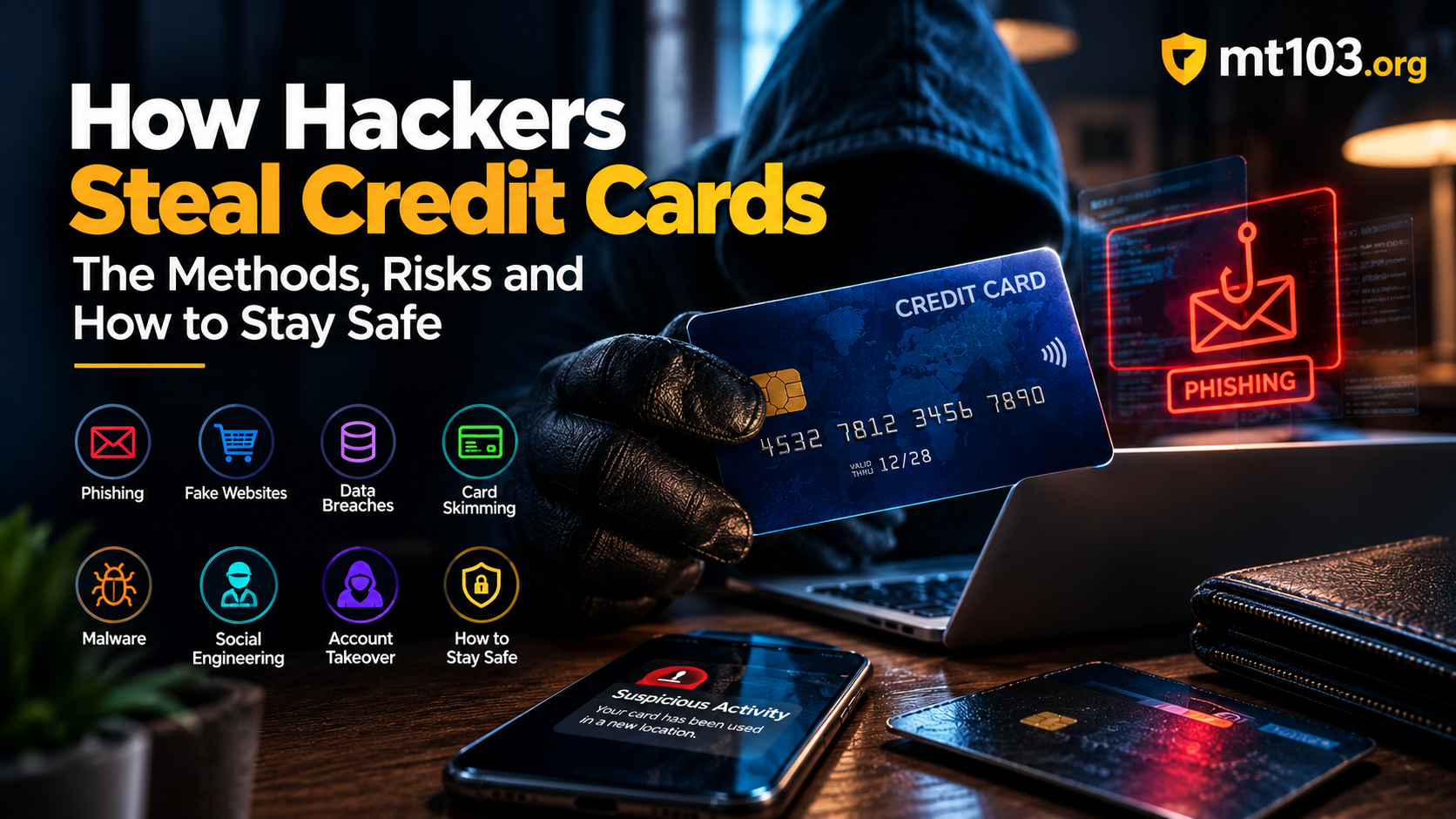
Hackers and fraudsters use many different methods to obtain credit card information. Phishing, fake websites, data breaches, card skimming, malware, social engineering and account takeovers are among the most common threats.
The most effective defense is awareness combined with good security habits.
Never assume that a message is legitimate simply because it appears to come from a familiar company. Monitor your accounts, protect your passwords, enable multifactor authentication and act quickly whenever something looks suspicious.